spring calculator with Goal seek - Run 2.5 Million cOMBOS TO OPTIMIZE
Free Spring Calculator - for Robust Designs - ensuring minumum variation of the desired spring forces - and ensuring top dimensioning according to your safety factor requirements. Runs 2.5 M combos and selects the configuration with minimum variation of your selected target.
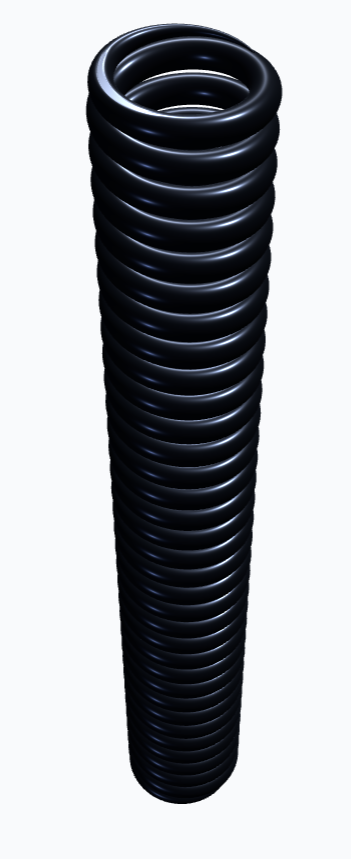
Spring Calculator:
Optimize your Spring for your next design
More info on how to use the calculator here.
What's next?
Embed calculations like this in your project and link them to your 3D CAD model and your tolerance stacks.
RD8. Software is integrated with the a CAD file, tolerance lookups, can do Monte Carlo simulations, check your constraint assumptions and much more.
How to use the calculator
The calculator is intended for:
- to quickly be able to quantify the main dimensions of a spring for a design
- to optimize the dimensioning for minumum variation
- to find ball park dimensioning before finding standard spring or starting discussions with custom spring makers.
For more detailed calculations and analysis see RD8.Software.
Main features of the free app:
- Dimensions the spring for your desired safety factor
- D
- Checks for buckling
- Checks for stresses in the springs
- Quick 'goal seek' allowing you to test up to 2.5M spring dimensions in seconds
- Live rendering of the spring
How to use
- A) Input parameters
- B) Review the (initial) results
- C) Goal Seek. Set targets and optimize --> Review the results again
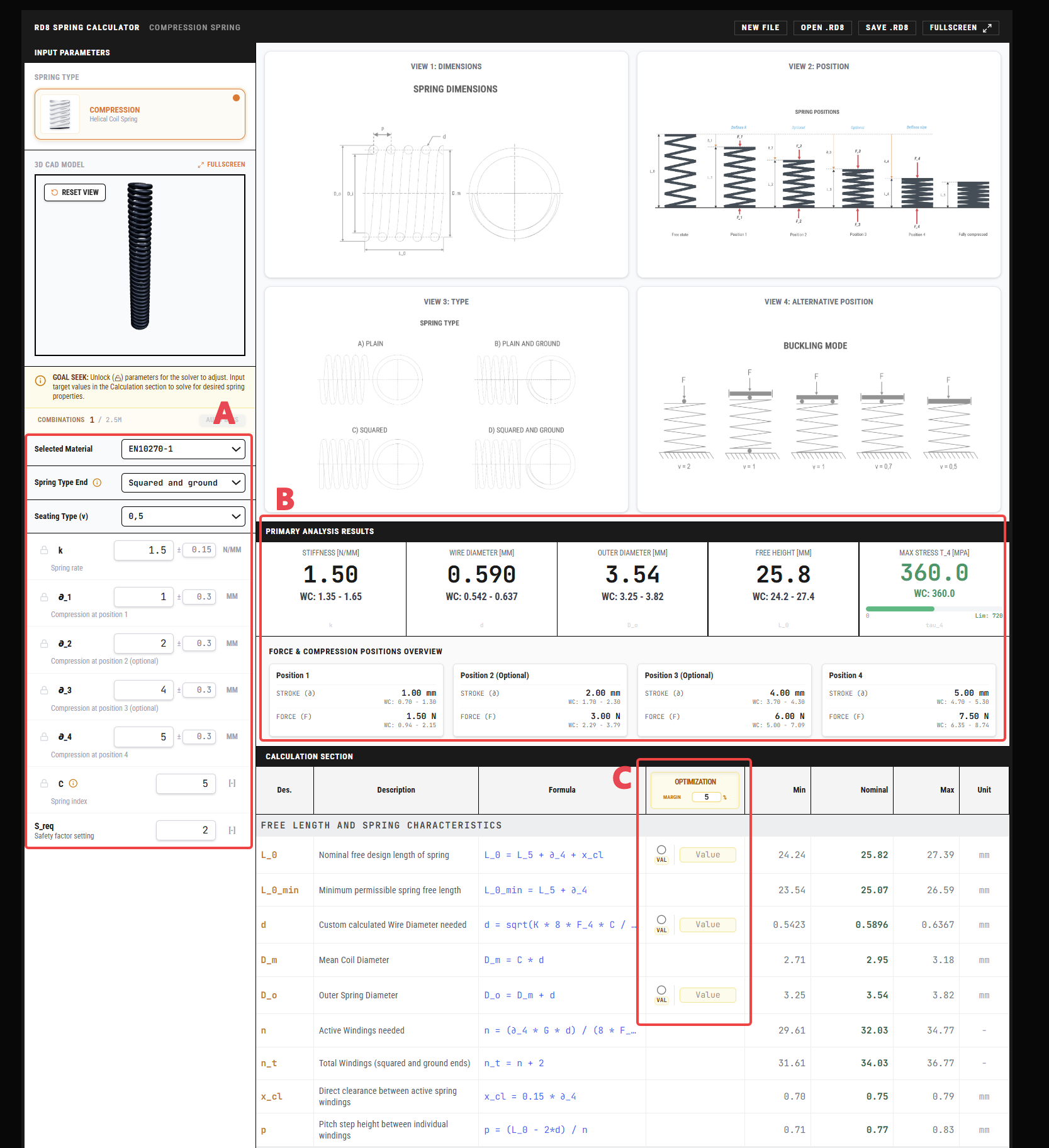
A) Input Parameters
Select a material from the list.
You can also add materials to the database in the bottom of the app if you don't find the exact material you are looking for.
Select Spring Type Ends (see the adjacent illustration)
Select the Seating Type (see the adjacent illustration to find the suiting value). This is used for the buckling calculations.
Input spring rate.
If you don't know the desired spring rate - fill in a start guess and let the goal seek option optimize for you.
If you have specific requirements for certain forces at given positions then define up to four positions: position 1, position 2, position 3, position 4.
Position 4 is mandatory and wil be used to dimension the length of the spring.
You can use the save function to save the setting/calculation/materials.
Feel free to share you favorite materials and datapoints if you would like to have them added as defaults.
Share by email to RD8 (MAKY@RD8.tech).
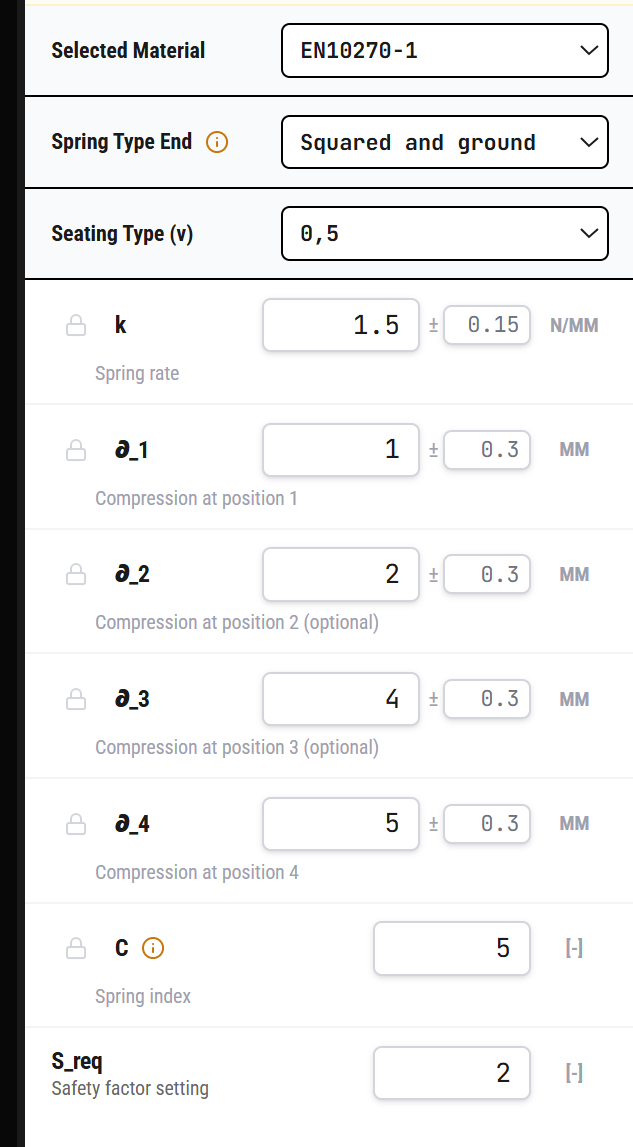
B) REVIEW RESULTS
Review the main charteristics.
Get back to this point after an optimization cycle.
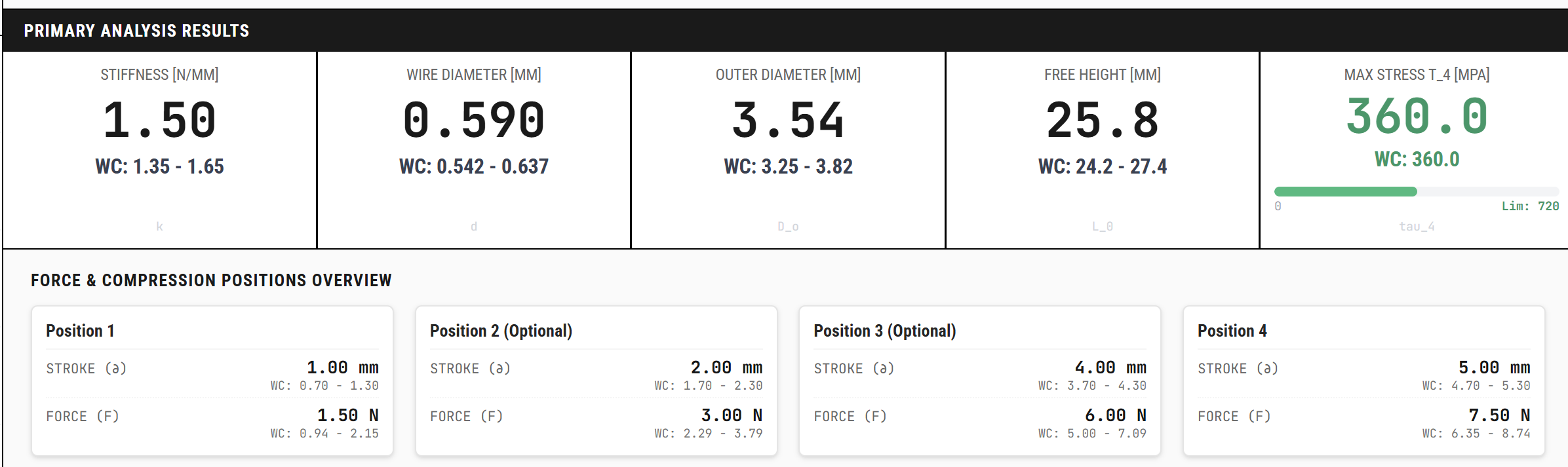
C) GOAL SEEK
The goal seek function can be used to define a set of goals and then reverse-calculate the needed dimensions. It runs through up to 2,500,000 combos.
To do this - simply:
- type in the goal(s) (nominal values) or click the "VAL"-label to specify a range. In example a maximum allowed diameter.
- unlock the parameters that the app is allowed to tweak
- define the max and min limits for the unlocked parameter(s)
- define the 'bin'-size for the unlocked parameter set
(the resolution of the optimization study - e.g. a bin size of 11 with max of 50 and min of 30 creates 11 values between 30 and 50: 30, 32, 34, 36, 38, 40, 42, 44, 46, 48, 50. There is a max limit of 2,500,000 combinations - adjust the bin sizes to be within the given limit.)
- Eventually click the 'Auto Bin'-button to create the maximum number of bins for you.
- define the error margin (default is set to 5%)
- choose the optimization selection criteria with the radio buttons (the solver will choose the solution with the minimum variation in the solution space)
- click solve
The values in the input section are now tweaked to match the goals.
The solver will chose the given combination of parameters that results in the least variation.
Set up a free RD8 Software Trial for your team
Book an initial meeting to:
Let us know your contact details - and any additional clarification points - then we will get back as soon as possible.
By submitting, you accept RD8's Privacy Policy and Terms of Service.
