Resource Hub - your source for reliability
Welcome to the Resource Hub. This page provides an overview for all RD8 Resources.
- Articles and content: going into details of the themes Robust Design and Tolerance Analysis
- Napkin Tools. Smart helpful tools to get your project off to a good start before going into CAD.
- Blog posts. Product news, opinion, examples, industry specific points.
- RD8 Software Tutorials ans Guides
- Case Studies. From projects and RD8 Software application.
- Resource Hub
- Themes
- Napkin Tools
- Cheat Sheets
- Explore
- Blog
- Cases
- RD8 Help Center
RESOURCE hub
Themes
Robust Design 101
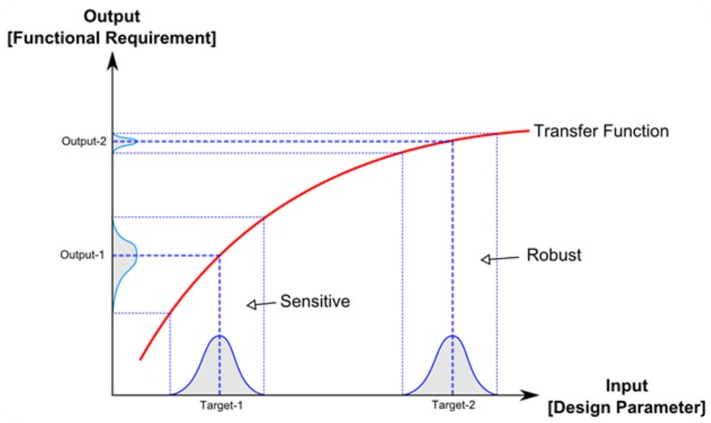
Robust Design Principles, Definition, Background, and Examples
Read more about the Foundations of Robust Design
Interface Design
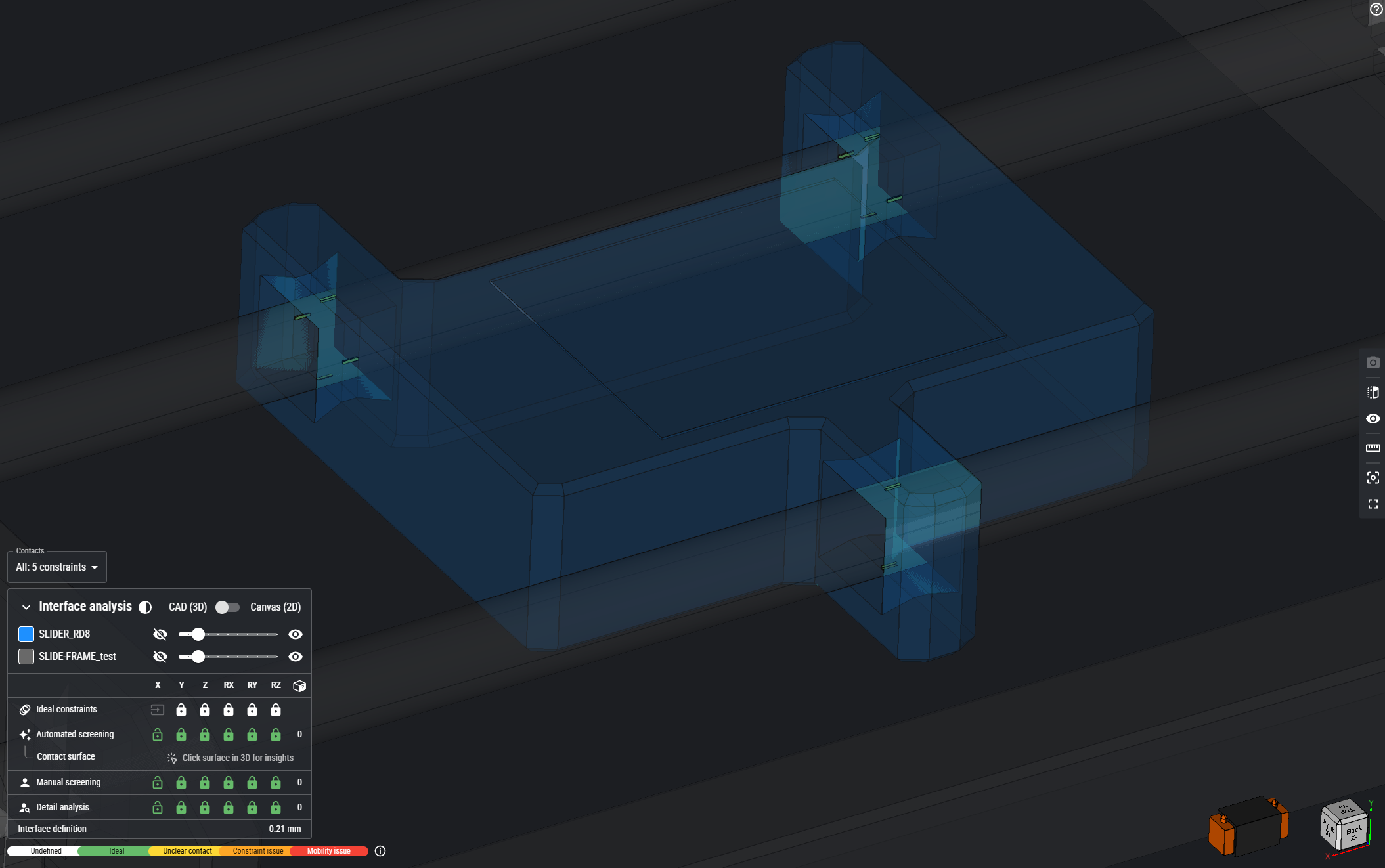
Robust Design Principles: Interface Design
See how RD8 does Interface Design
Ultra High Volume Production
.png)
Master mass production in Life-Sciene
See how RD8 solves ultra high volume production
Critical-to-Quality
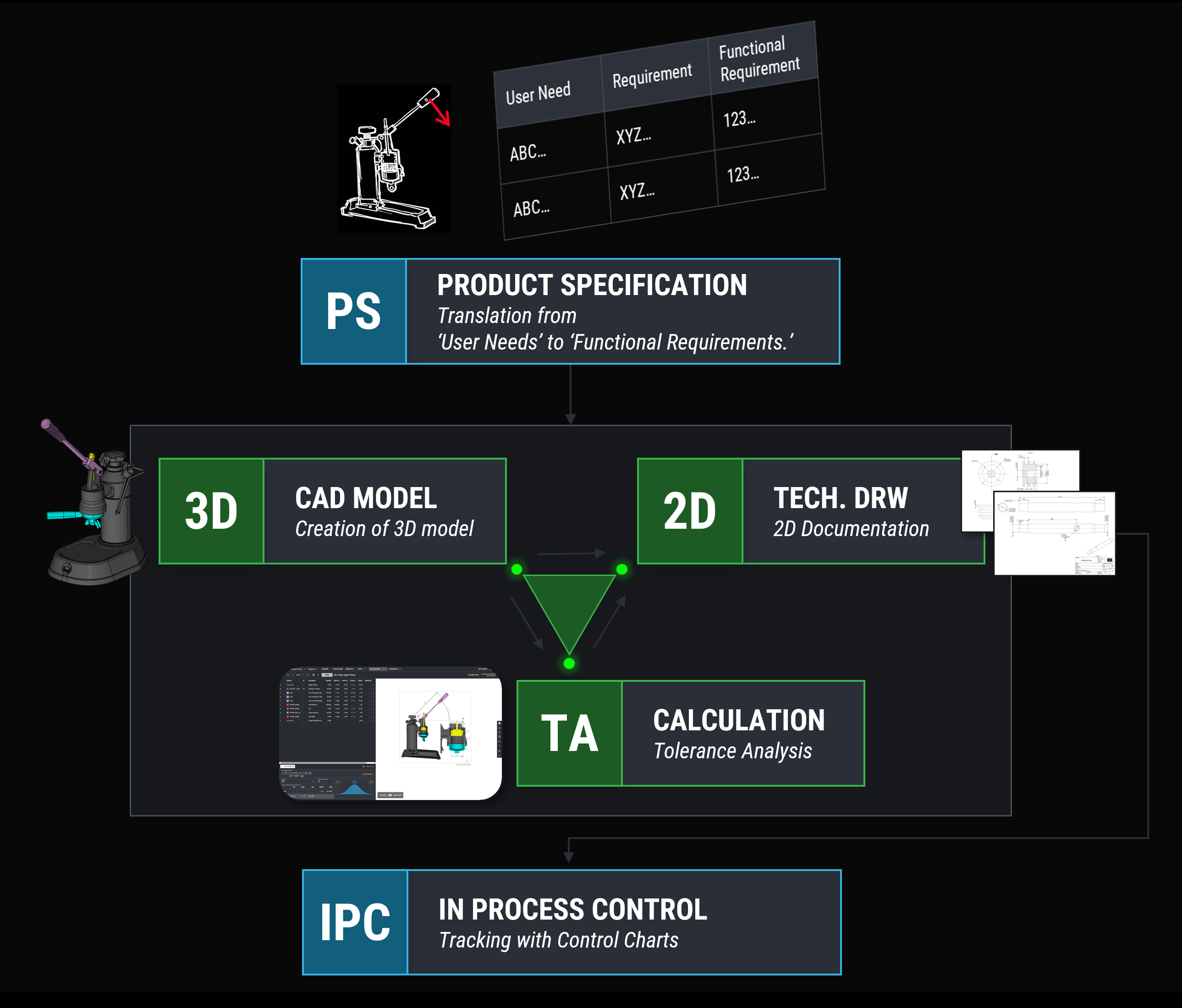
Break down user needs to product specifications and map them down to the blueprints
See how RD8 approaches Critical-to-Quality
Guide Ratio and Sensitivity
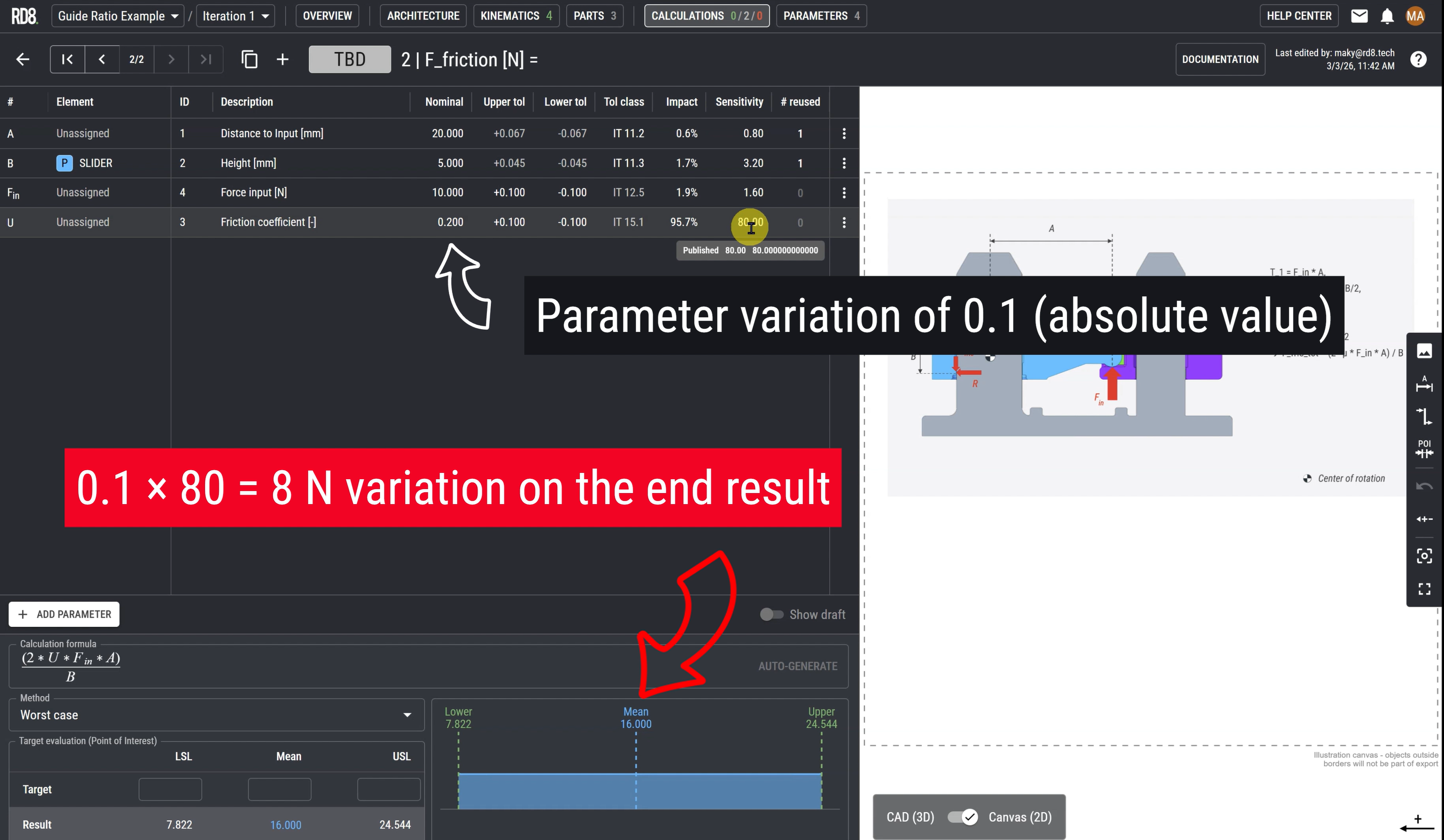
Master the principles of Guide Ratio and Sensitivity through practical examples
Guide Ratio and Sensitivity Explained
Tolerance Stack-Up Analysis - Guide and Definition
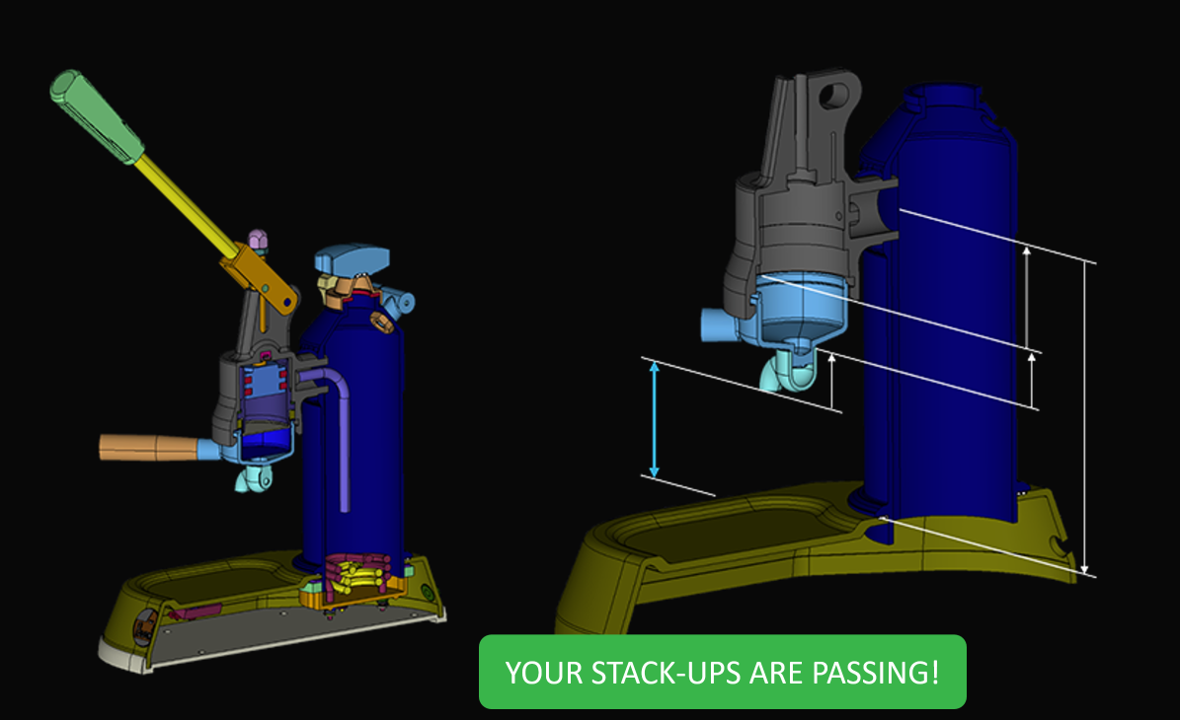
Explore the definition, methods, key principles and applications of Tolerance Stack-Up Analysis along with a comprehensive guide.
Tolerance Stack-Up Analysis Guide
Dimensional Management
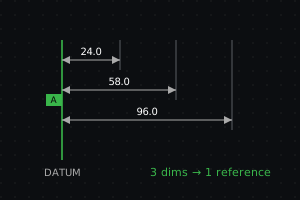
Explore the definition, methods, key principles and applications of Dimensional Management
Dimensional Management
Napkin Tools
Snap Fit Calculators
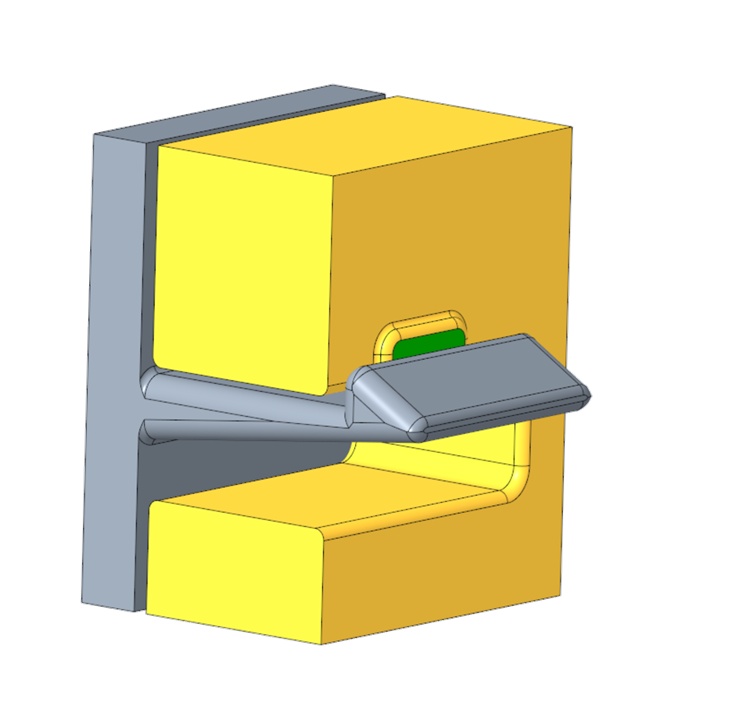
Dimensioning of snap fits / snap hooks with a unique goal seek solver.
See the Snap Fit Calculators
RD8 Product Specification Tool
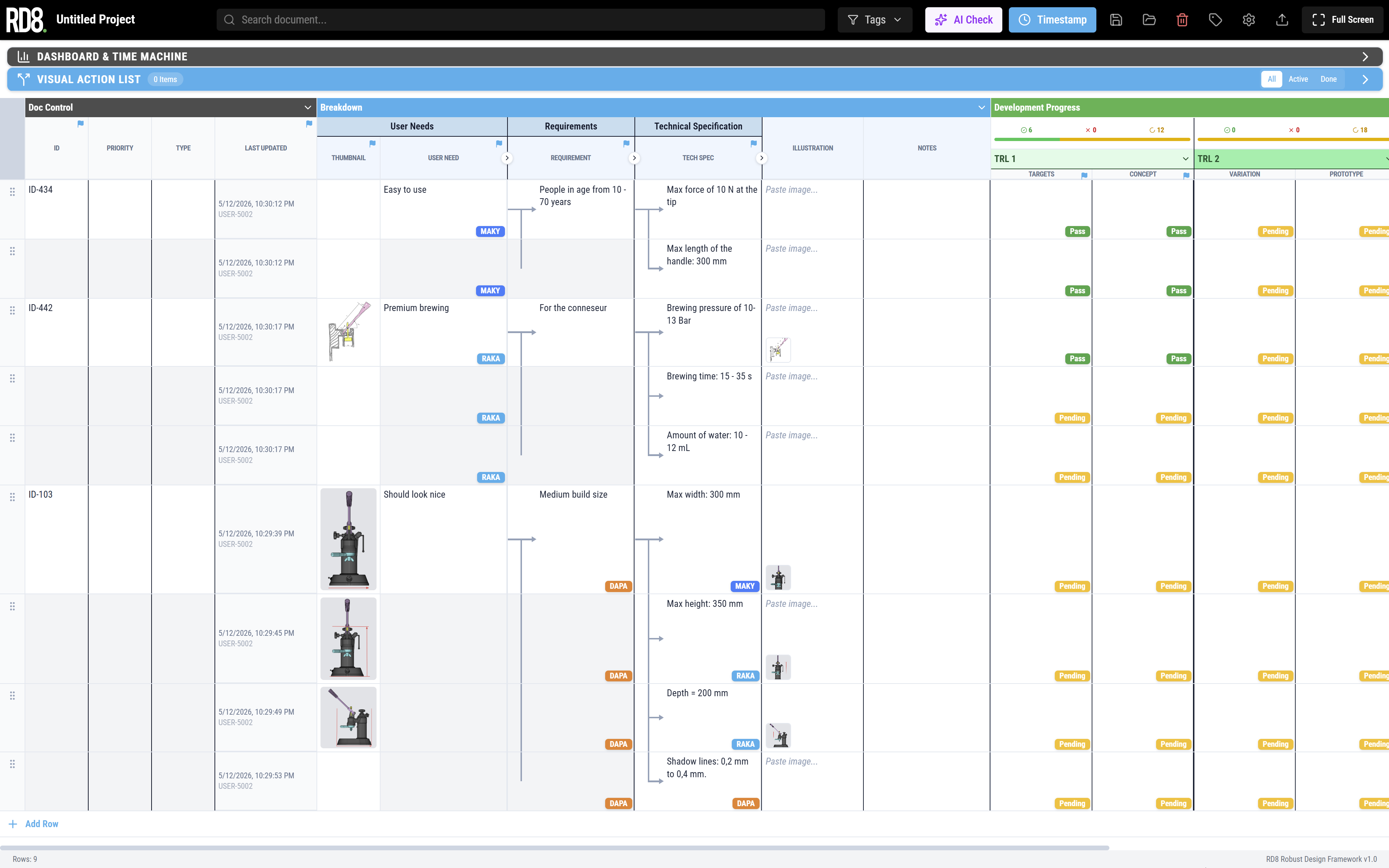
Tool to break down user needs to product specifications and track progress during development.
See the RD8 Product Specification Tool
Multi Equation Solver

Solve for X. Solve a system of equations.
See the Multi Equation Solverp
Cheat Sheets
1D Tolerance Stack-Up Cheat Sheet
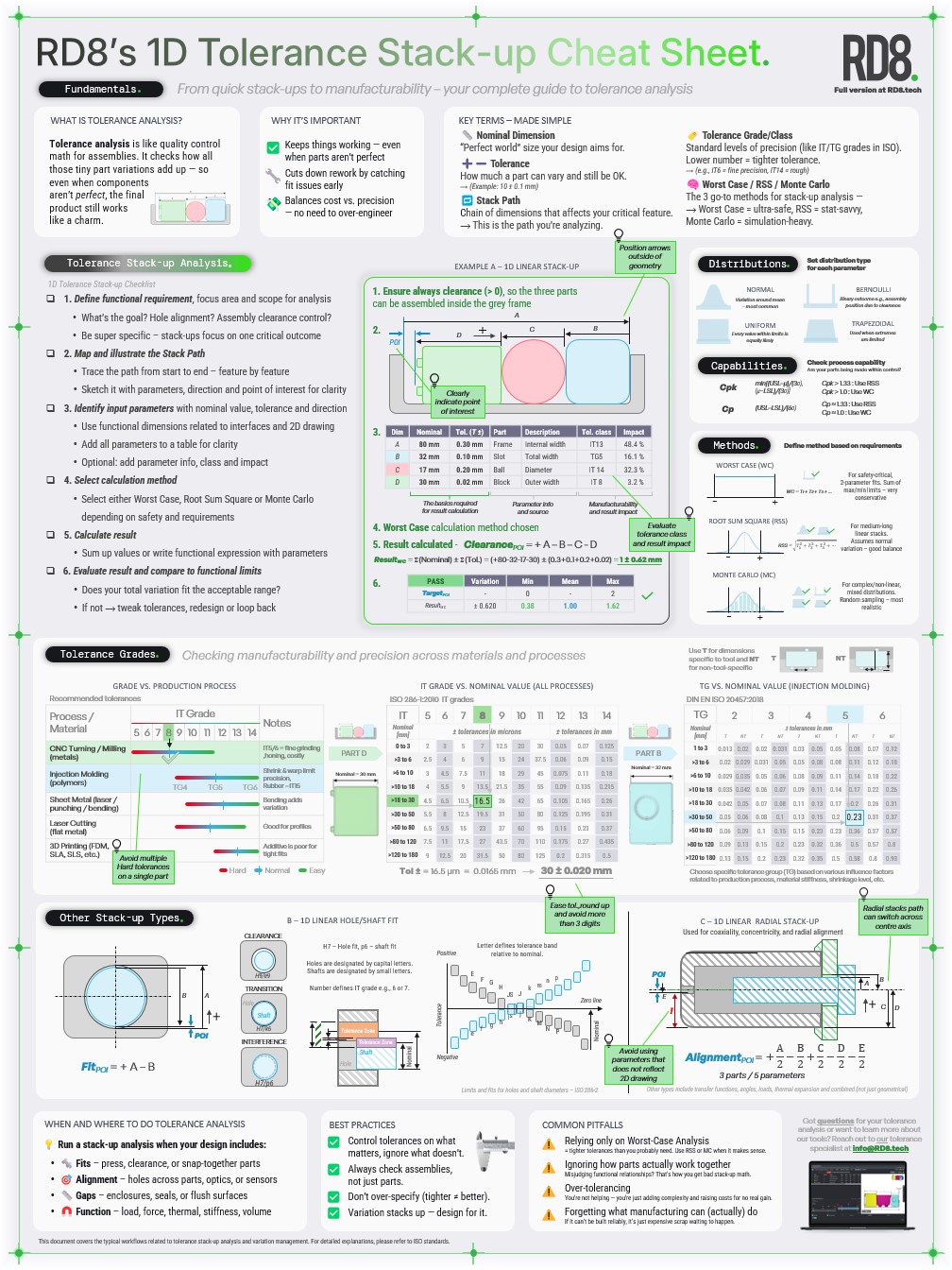
Download now!
See our Tolerance Stack-Up Cheat Sheet
2D Tolerance Stack-Up Cheat Sheet
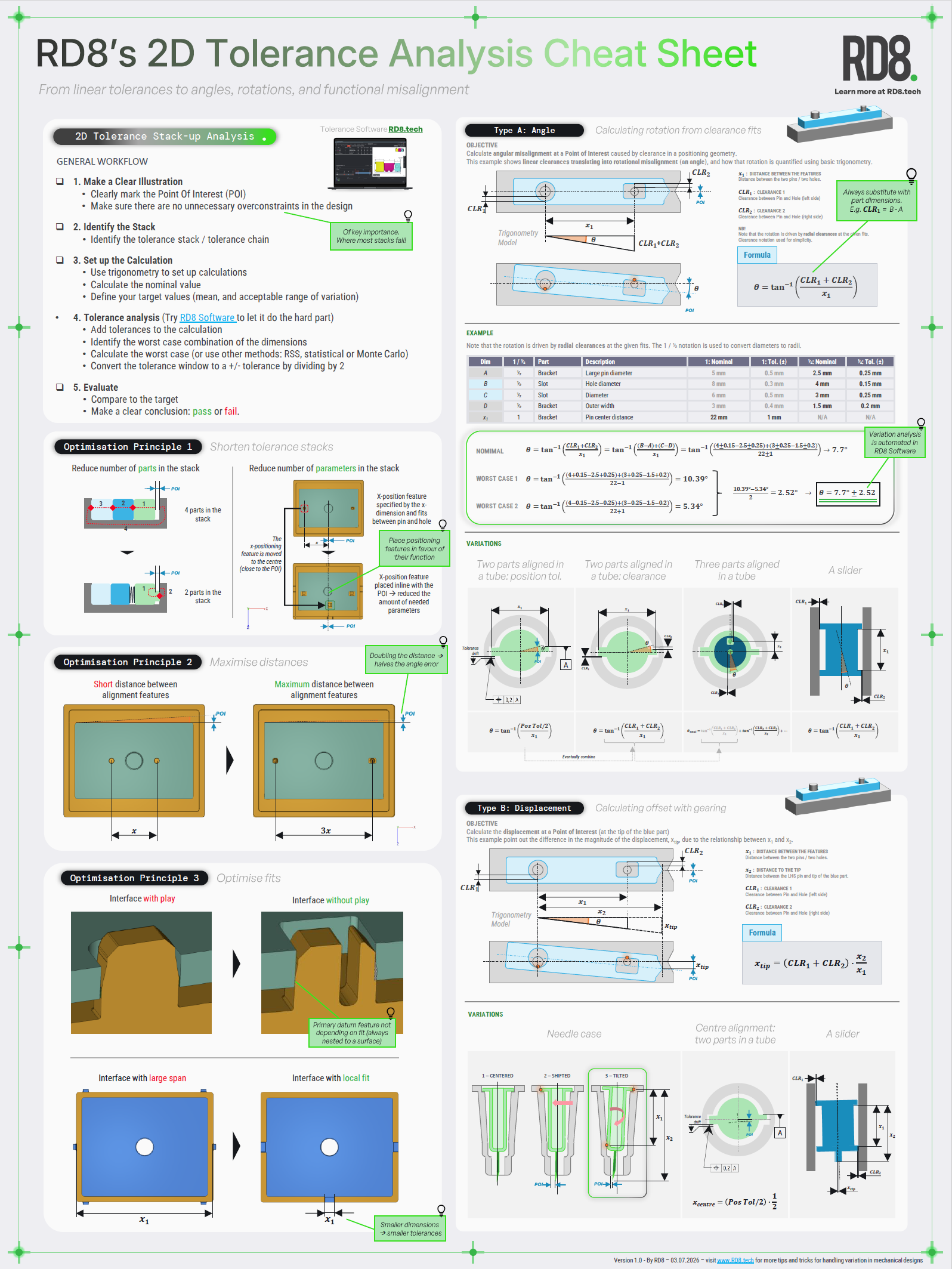
Download now!
See our Tolerance Stack-Up Cheat Sheet
get IN TOUCH
Learn more about rd8 software
✓ Intial Set-up Call ✓ No Install ✓ ISO27001 Certified
Day 15: decide what's next.
Book an initial meeting to:
Set up call. Brief demo. Intro to feature packs, pricing, team-fit.
Set up of the trial: users, timing, intro and support.
After 14 days. Evaluation. Decide what's next. Delete or keep your data.
Bring your CAD file(s) or case(s). Otherwise RD8 can provide sample files.
By submitting, you accept RD8's Privacy Policy and Terms of Service.
